article number
511930

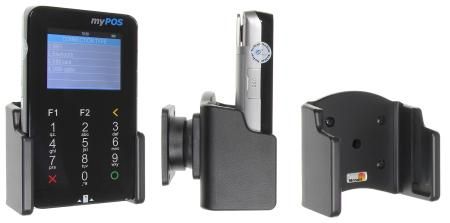
Brodit holder myPOS D200C/ CCV Fly

RRP €33.95
  • Fast Shipping
  • High Quality Products
  • Secure Payments
Details
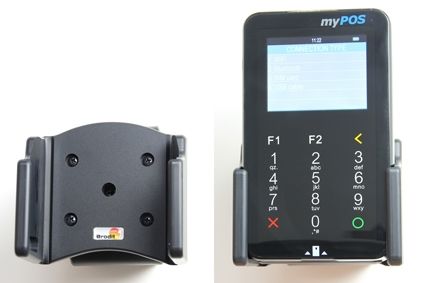
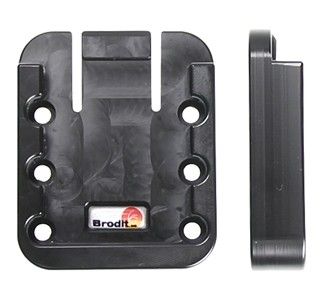
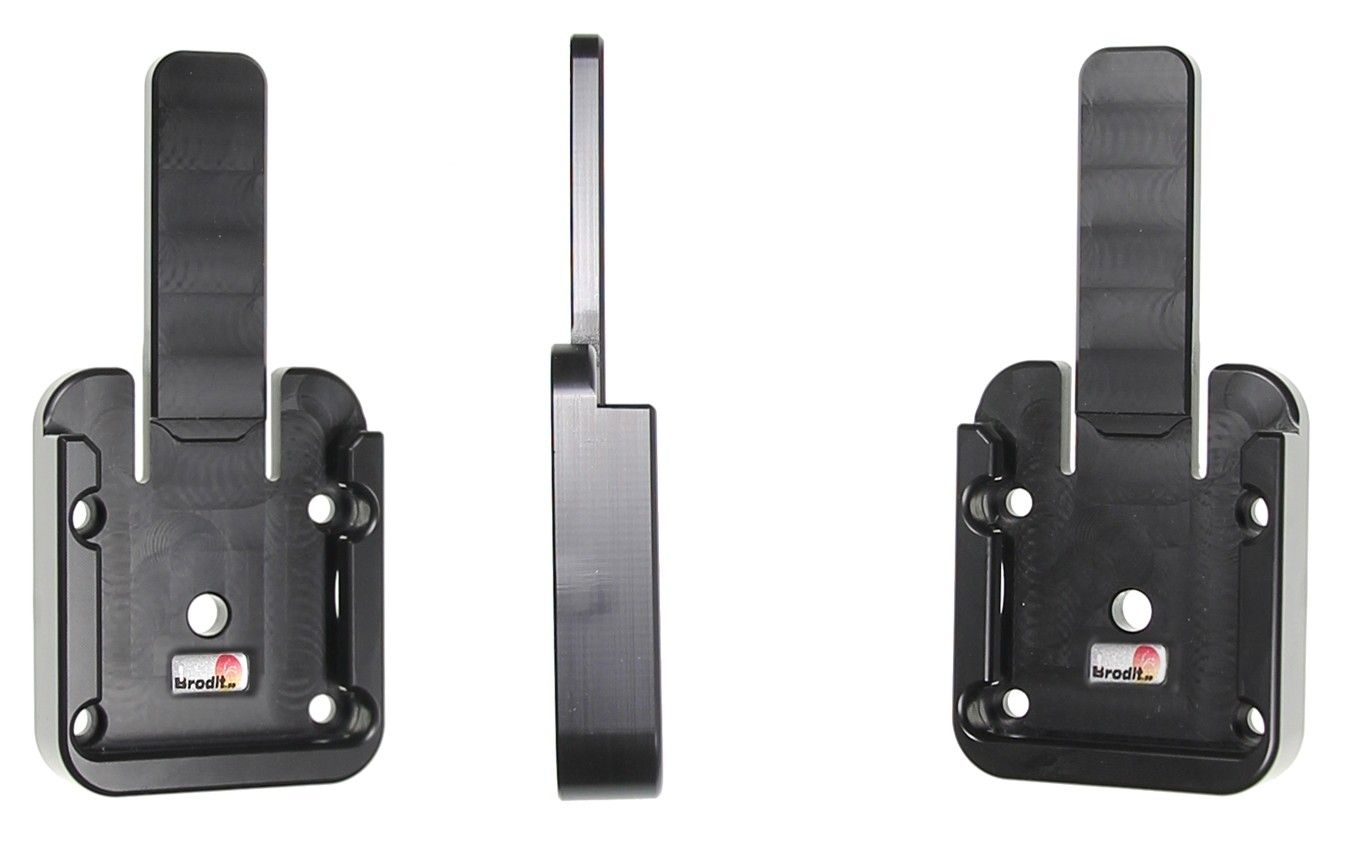
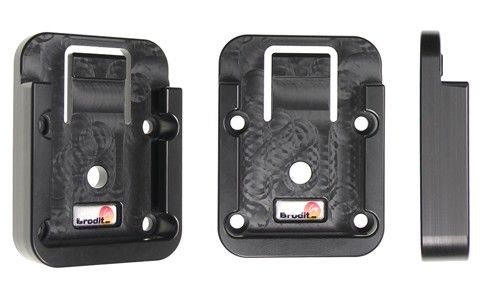
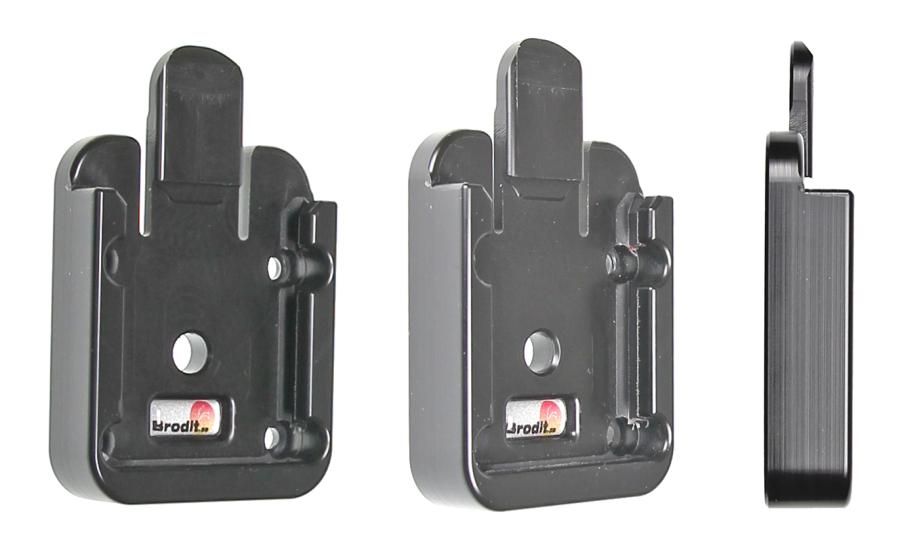
The holders for myPOS D200C are extra durable, designed to withstand rough working conditions in professional use. With your rugged PDA in a passive holder attached onto the dashboard it is always within easy reach -safe and convenient. The holder is mounted onto a tilt swivel so it is adjustable for avoiding light reflection on the screen. It is easy to put the PDA in the holder, and to take it out of the holder. You can connect e.g. a charging cable to the PDA when it is in the holder.

Dimensions: 78 x 61 x 71 mm (W x H x D mm)
Weight: 83 g
More Information
More Information
Accessory brand Brodit
Barcode 7320285119307
Recommended retail price incl. VAT €33.95
Device with or without case nee
Holder feature Toestelspecifiek
Cable / Qi / charger type / connnector passive
Input Voltage does not apply
Voltage (output) does not apply
Max Amperage n.v.t.
Montage standaard AMPS
Device holder lockable? no
Color black
Productinfo Brodit houder
Product installation Mount the holder on a ProClip in your vehicle. A detailed installation manual is included in the product packaging
Product suitable for info In the Compatibility tab, check whether your smartdevice is suitable or listed for this holder
Show more + Show less -
Compatibility
Show more + Show less -
Instruction
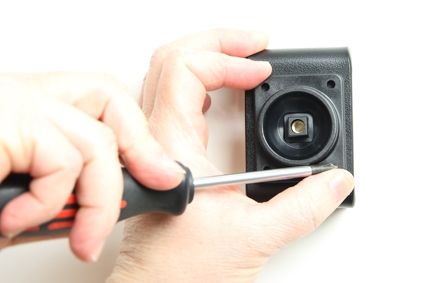
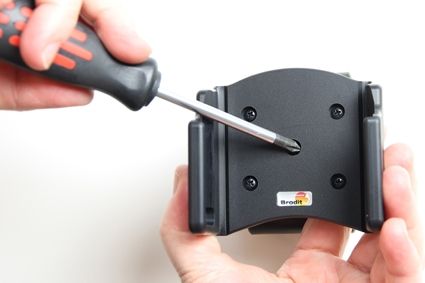
Please read all of the instructions and  look at the pictures before attaching the holder.
 
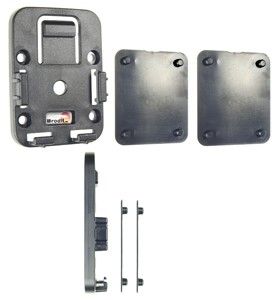
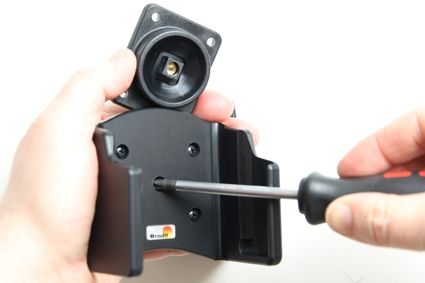
1. Loosen the screw in the center of the holder so you can remove the tilt swivel attaching plate on the back.

 
2. Place the attaching plate onto the desired position. Screw the attaching plate into place with the enclosed screws.
 
3. Place the holder over the attaching plate so the screw fits in the hole in the tilt swivel. Screw a few turns on the screw, just so the thread starts to pull. Pull the holder toward you and hold it slightly tensed, in the same time tighten the screw so the holder is pulled toward the tilt swivel. Tighten the screw firm at first, then loosen it a bit so the holder is firmly in place, but still can be adjusted.
 
4. The holder is in place.
Scroll to top