

article number
216417
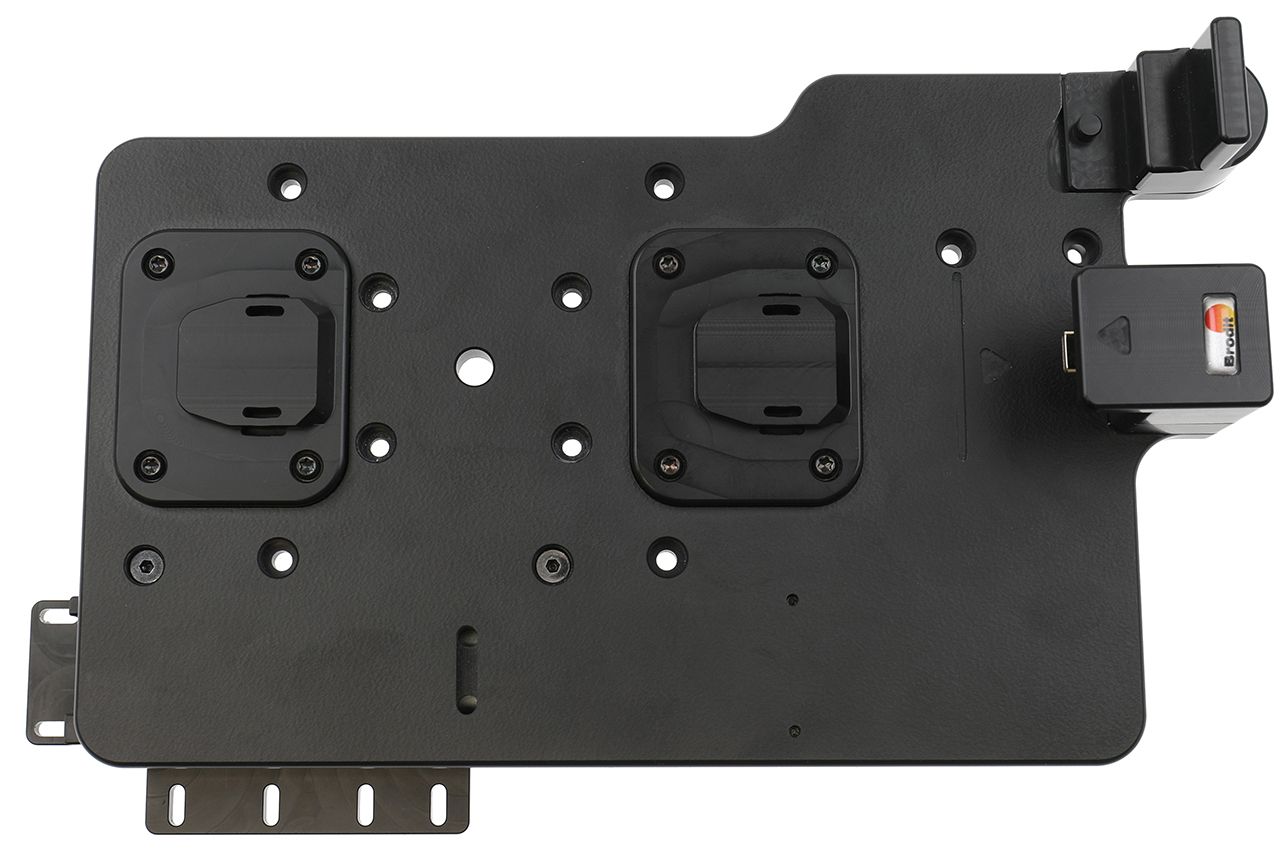
Brodit ModTek Dock Lock Module
RRP
€49.99
- Fast Shipping
- High Quality Products
- Secure Payments
Key Lock Module. Two keys included. For use with ModTek Docks.
Add an extra layer of physical security to your ModTek System with the ModTek Key Lock Module. With just a simple press of a button you can securely lock your tablet in the ModTek Hard Case into place in the ModTek Dock, providing you peace of mind and unparalleled security knowing that your tablets won’t disappear off the job site.
Included are two high-quality keys designed for swift and reliable unlocking, allowing you quick and easy access whenever you need it. Installation is a breeze with the included fastener kit. No professional installation is required.
The ModTek Key Lock Module fits our ModTek Docks:
216410
216411
216412
216413
| Accessory brand | Brodit |
|---|---|
| Barcode | 7320282164171 |
| Recommended retail price incl. VAT | €49.99 |
| Holder feature | ModTek |
| Holder extras | module add on |
| Input Voltage | does not apply |
| Voltage (output) | does not apply |
| Max Amperage | n.v.t. |
| Montage standaard | AMPS |
| Device holder lockable? | yes with a lock |
| Color | black |
Show more +
Show less -
Show more +
Show less -


Related Products